Tour
See CommonWatch in action
Follow one report from a resident's phone, to the team member who handles it, to the board's dashboard. The screens below show a sample community.
1
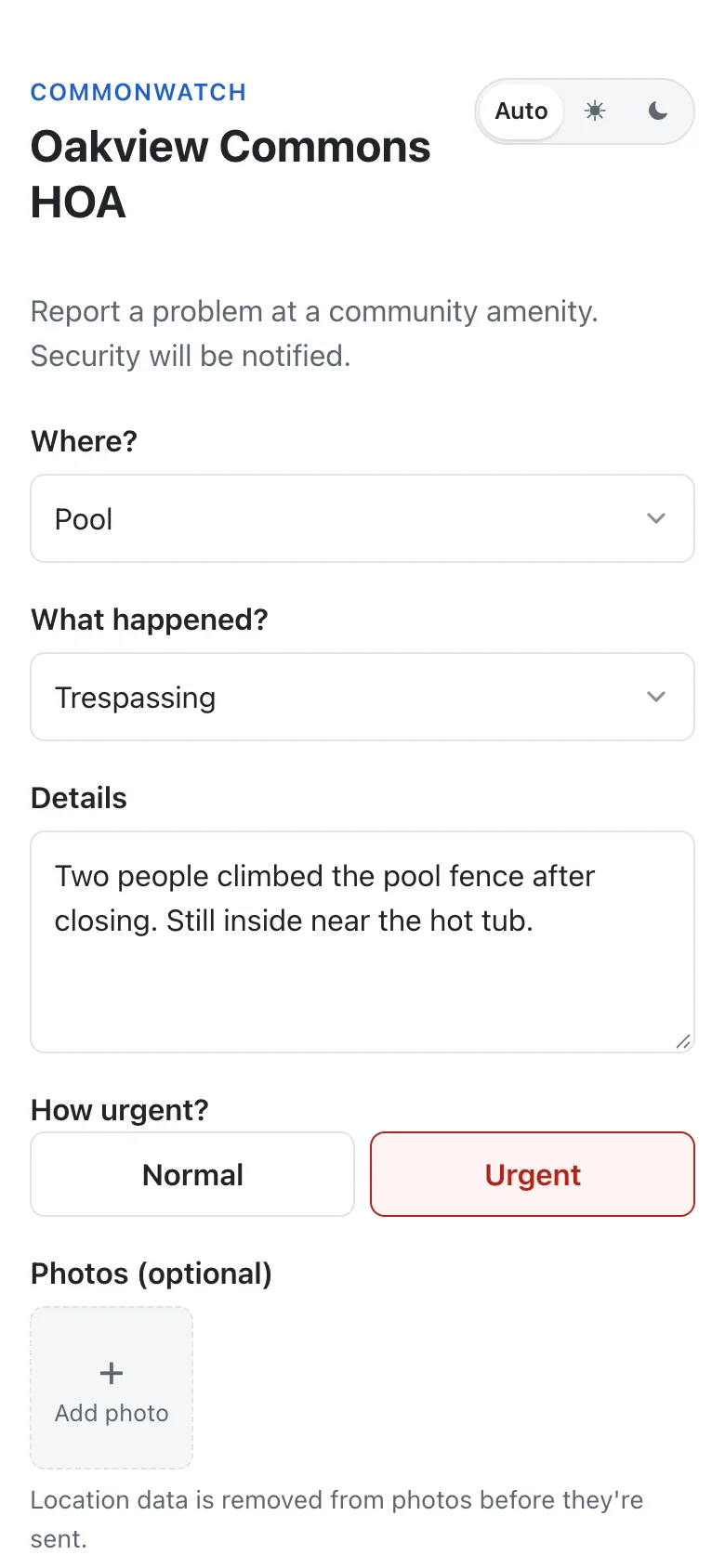
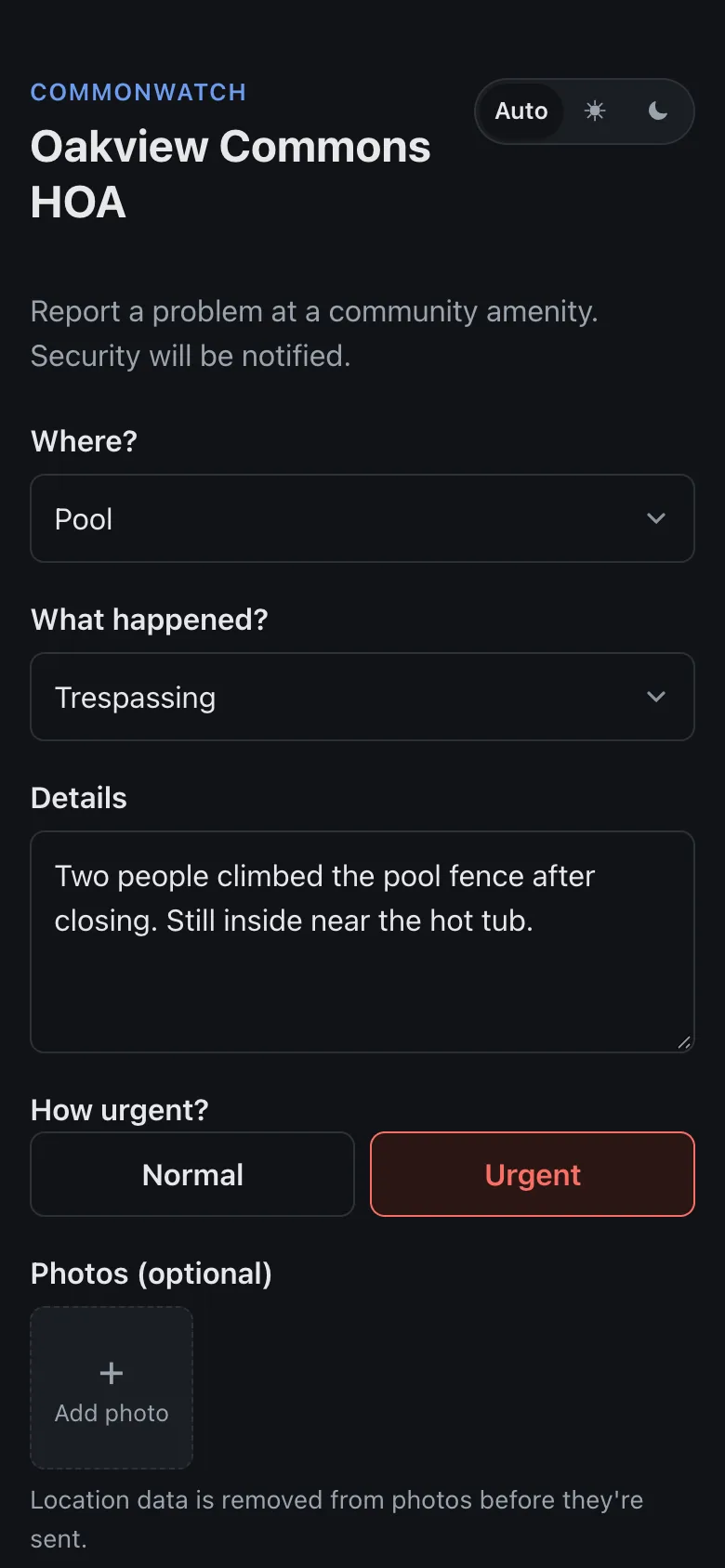
Residents report in under a minute
- Scan the QR poster at the amenity, and the location is already filled in.
- Pick what happened, add details and photos. Location data is stripped from photos on the phone.
- Mark it urgent. Emergency categories tell residents to call 911 first.
- No app or account to set up, and anonymous reports if your community allows them.
2
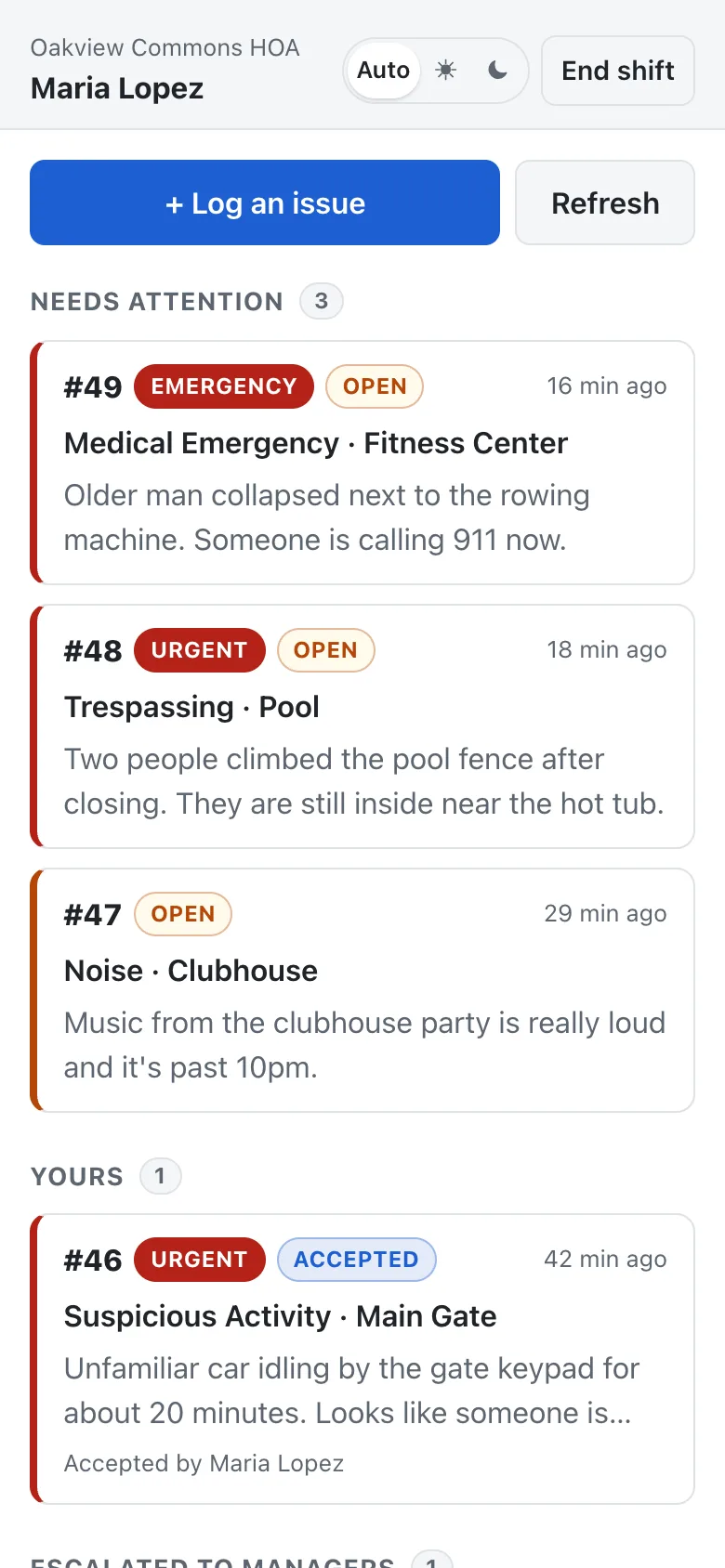
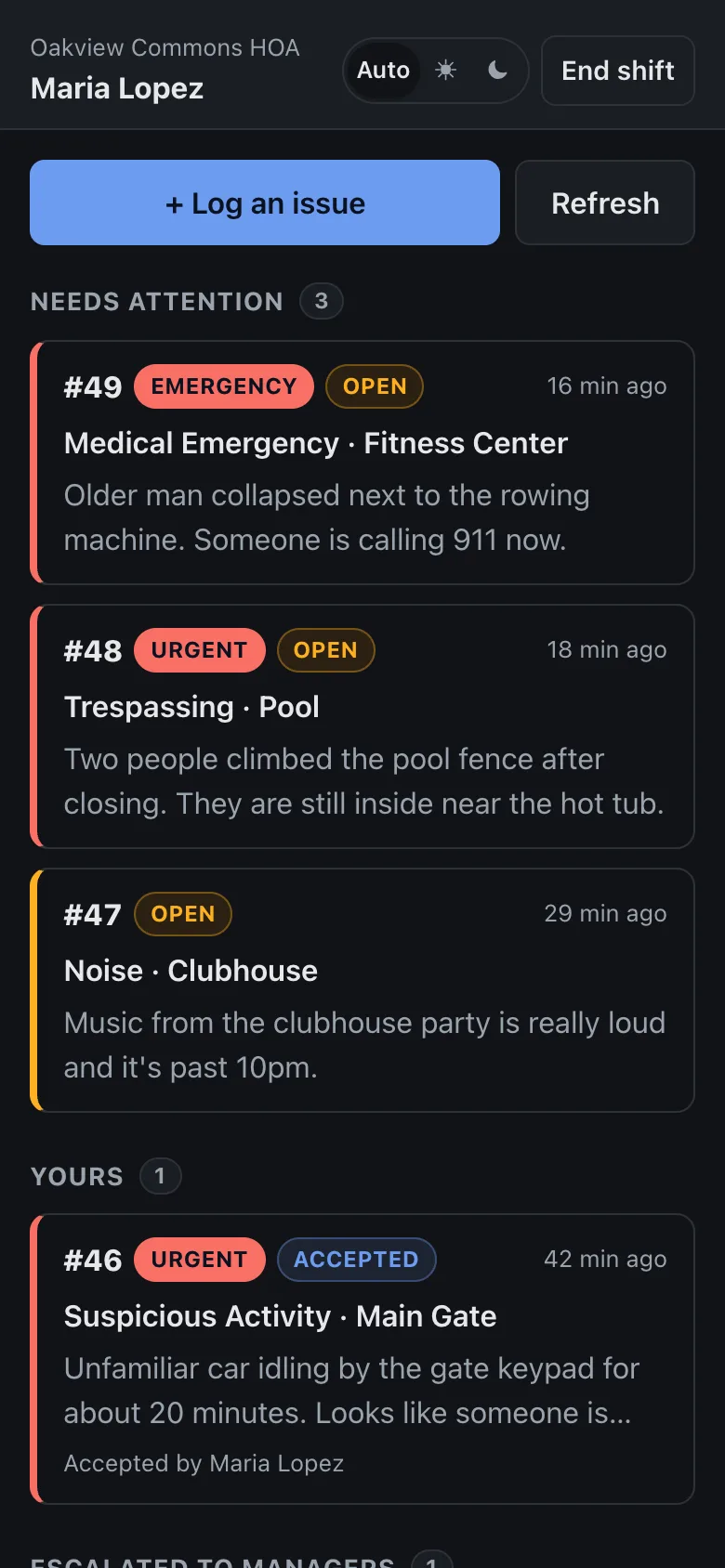
The team on duty is alerted instantly
- A notification reaches everyone on duty, on their own phone.
- Urgent and emergency reports go to the top of the list.
- One tap to accept, so everyone can see it's being handled. Others can take over if needed.
- Staff can log issues they find on patrol, too.
3
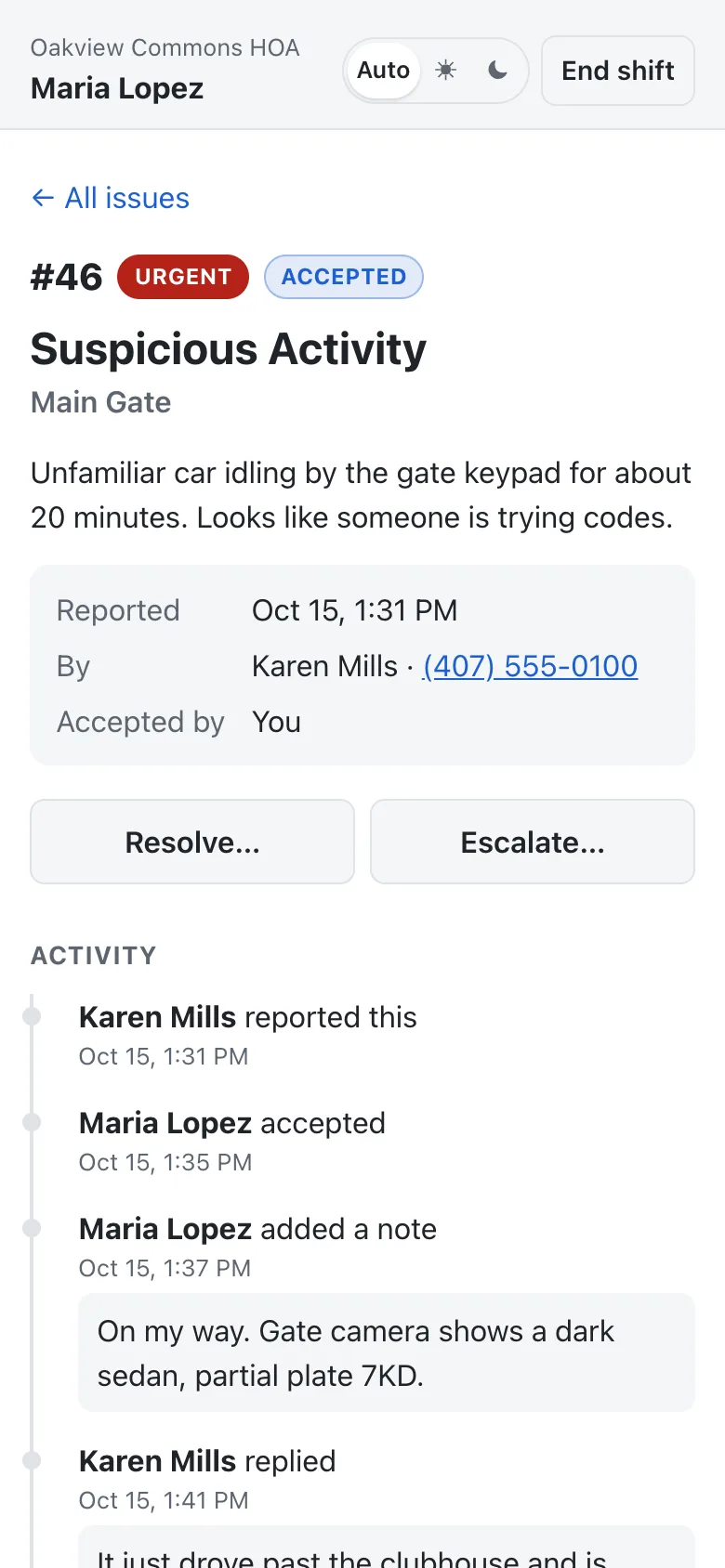
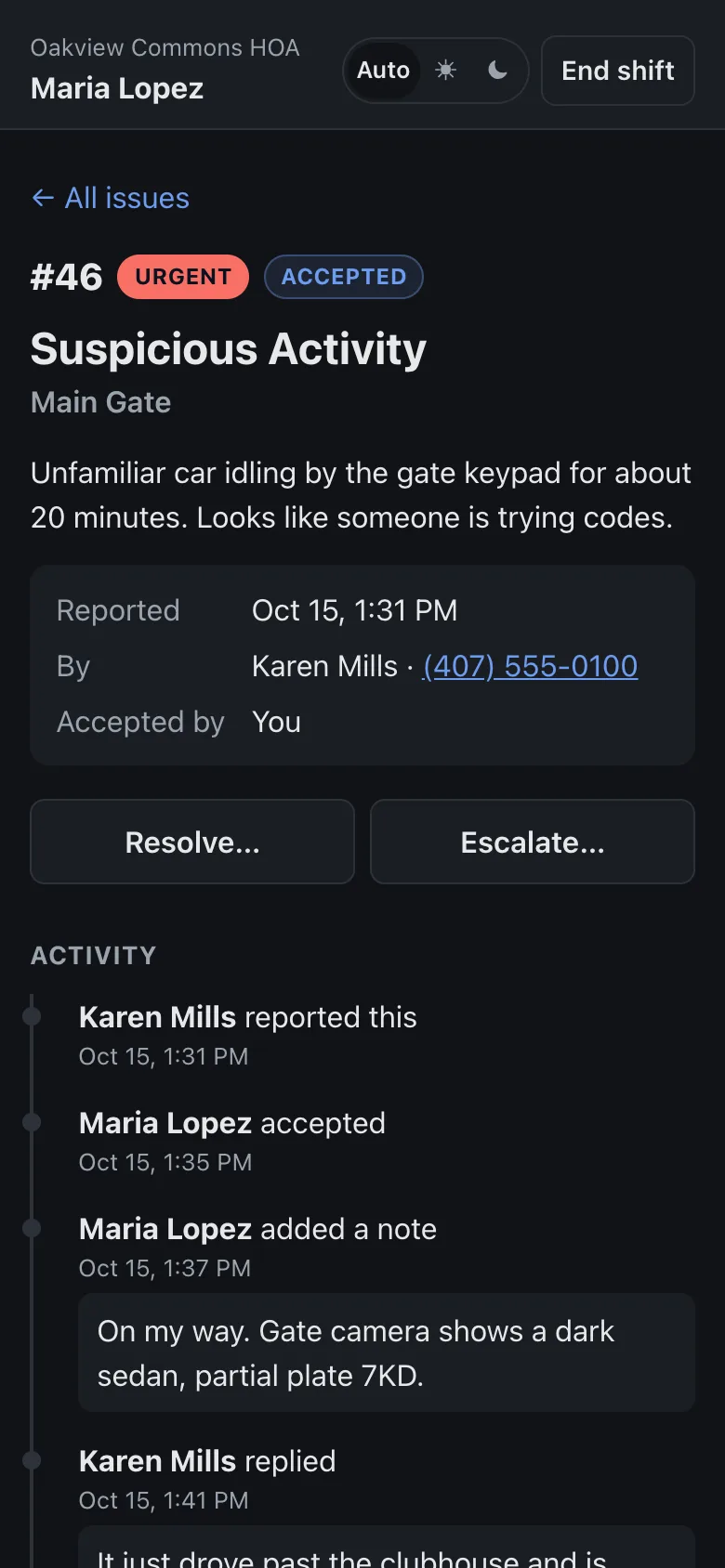
Handled, and on the record
- Notes as they go, each with a timestamp.
- Call the reporter with one tap if they left a number.
- Closing a report requires a note of what was done.
- Every step builds a timeline the board can rely on.
4
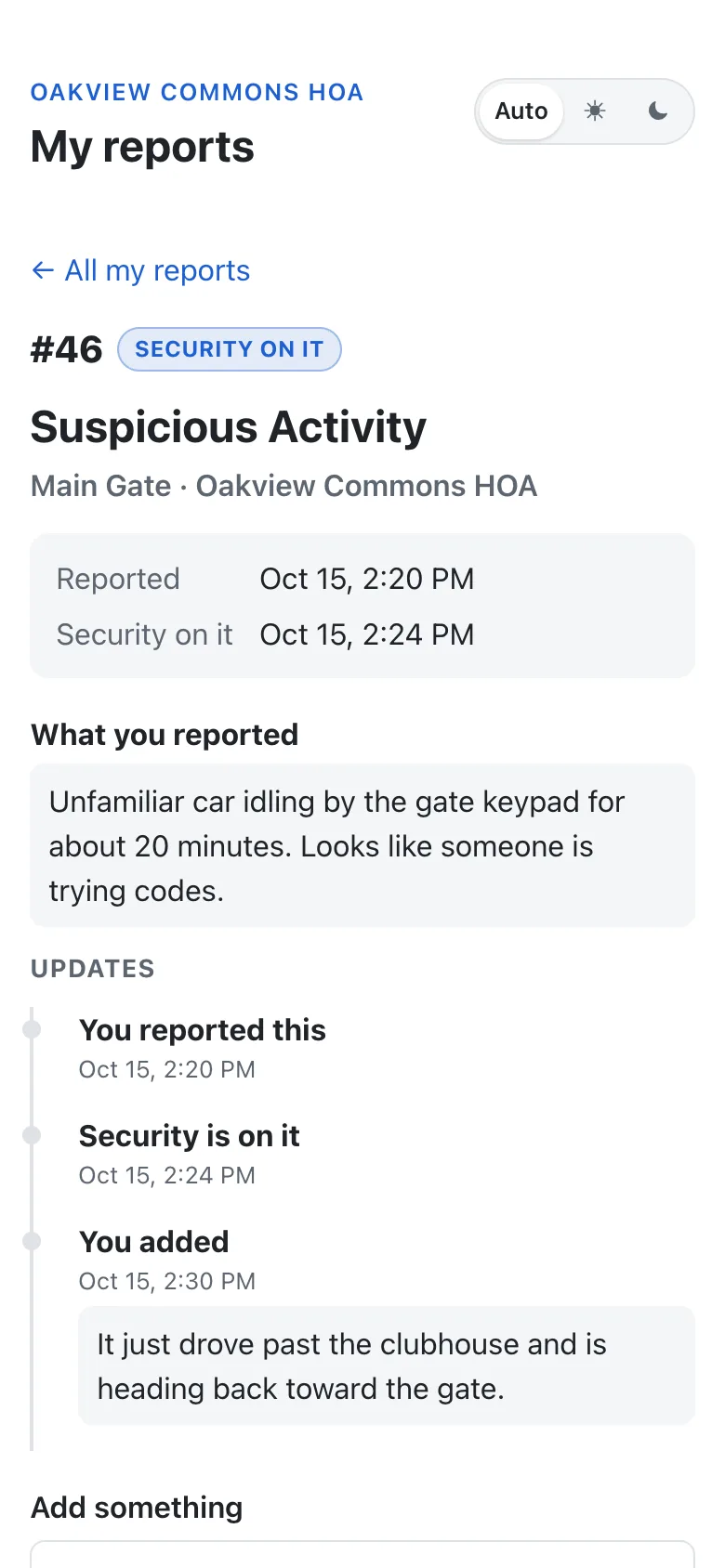
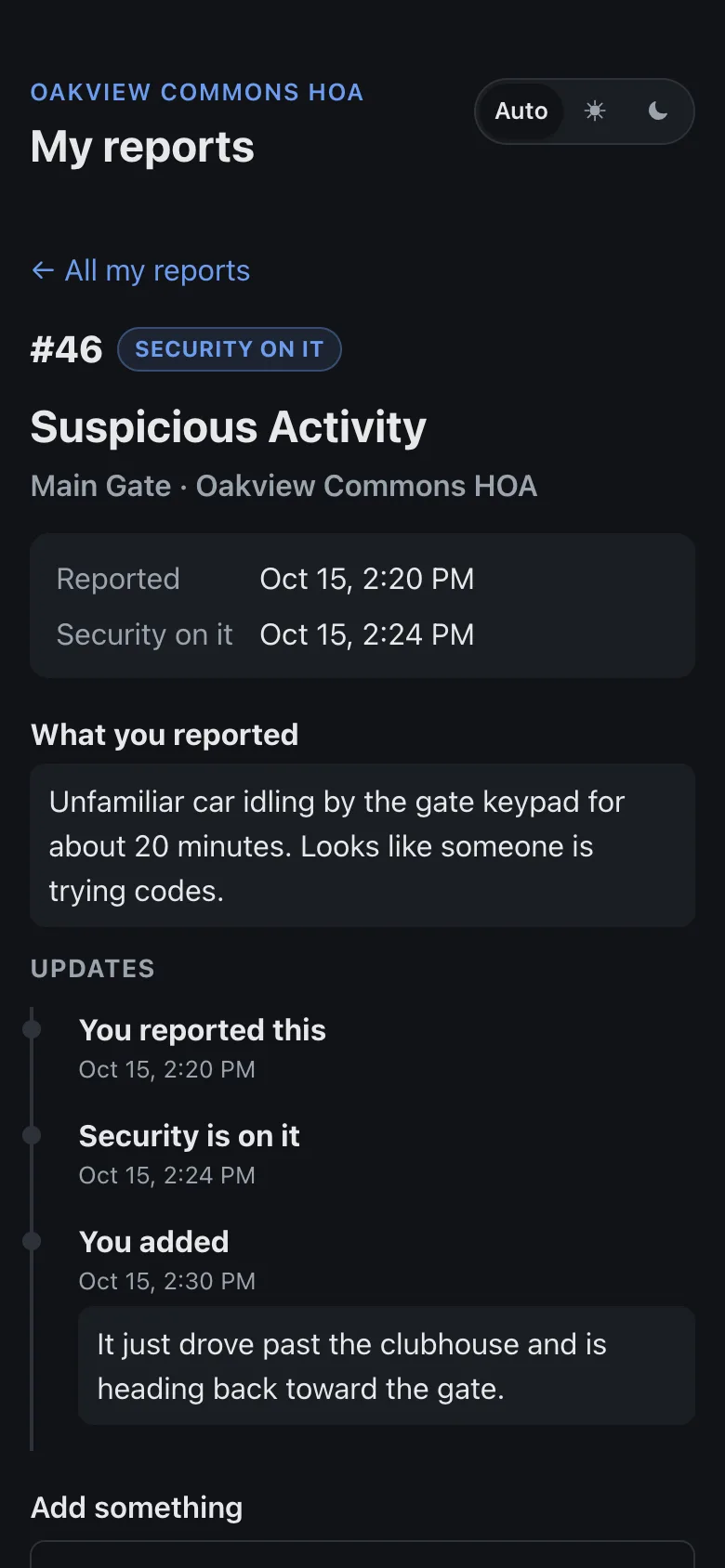
Residents can follow their reports
- Residents who left a mobile number sign in with a texted code. No password or app.
- They see each report's status and how it was resolved, in every community they've reported in.
- They can add details while it's open, and the team member handling it is notified.
- Staff notes stay internal, and reports drop off once the community's retention period ends.
5
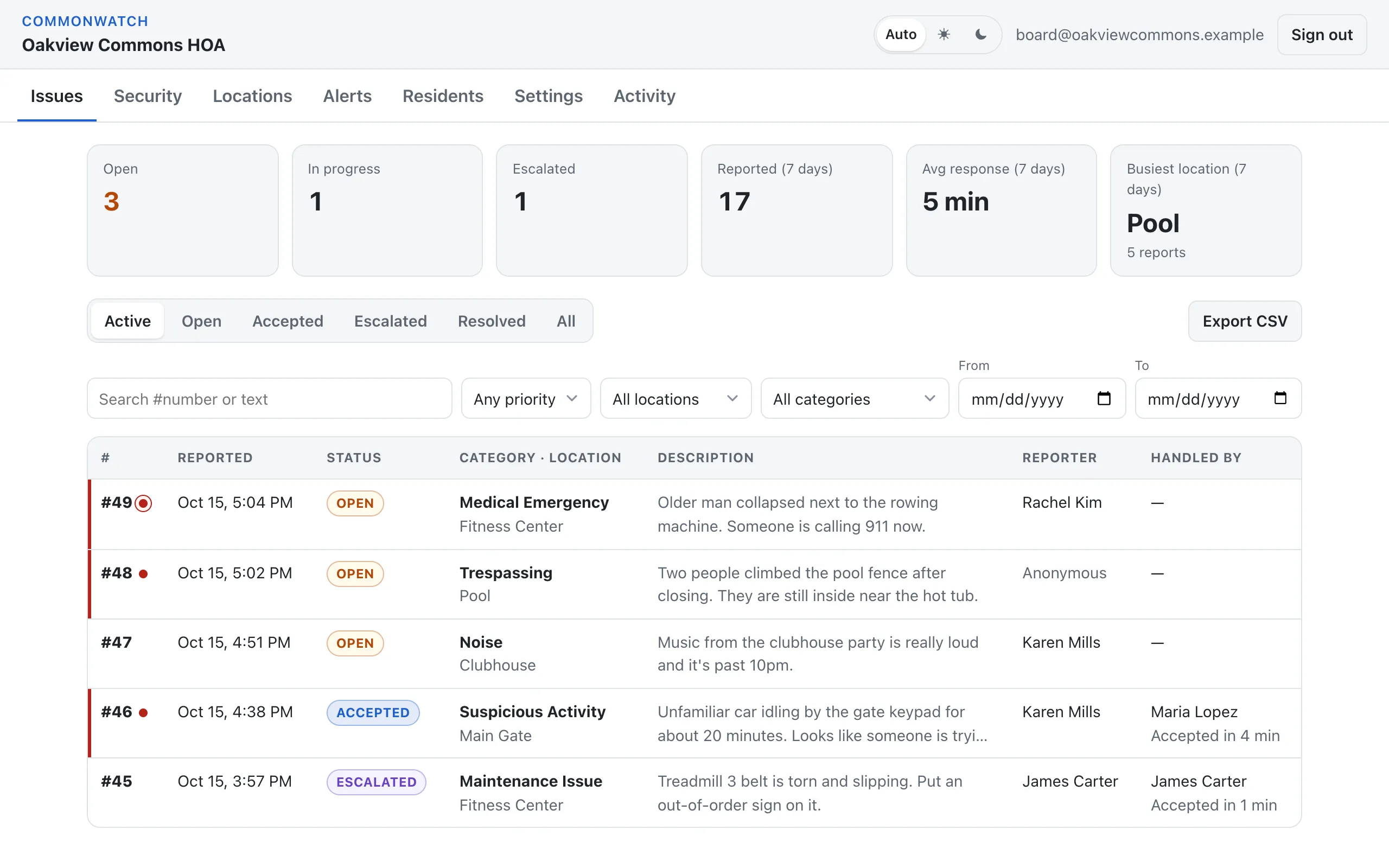
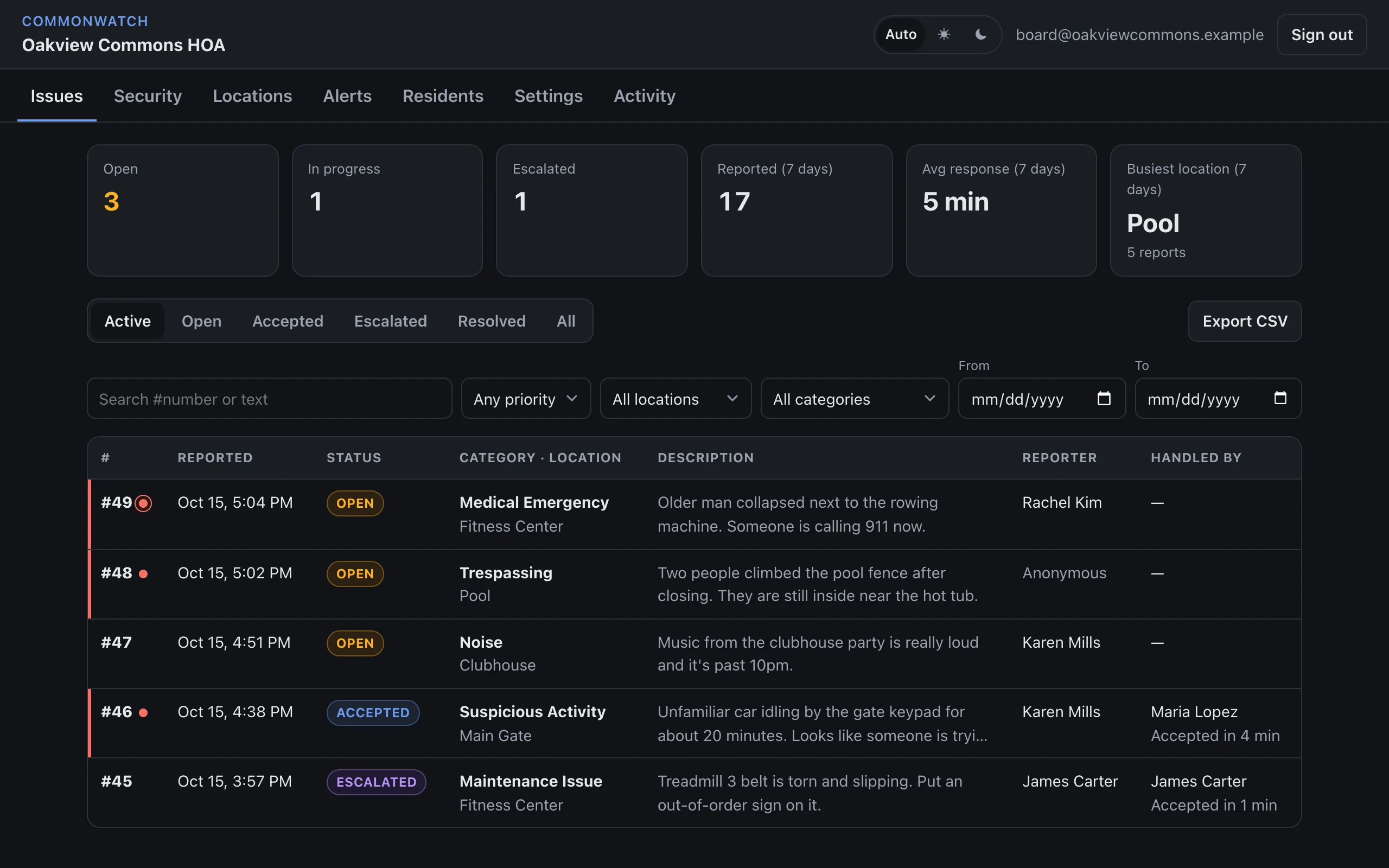
The board sees everything
- Open issues, response times and the busiest locations at a glance.
- Search and filter every report, with its full history. Export to CSV for meetings and insurance.
- Manage team QR codes, locations and categories, and alerts to Discord, Teams or email.
- An activity log of every change made by an admin.
6
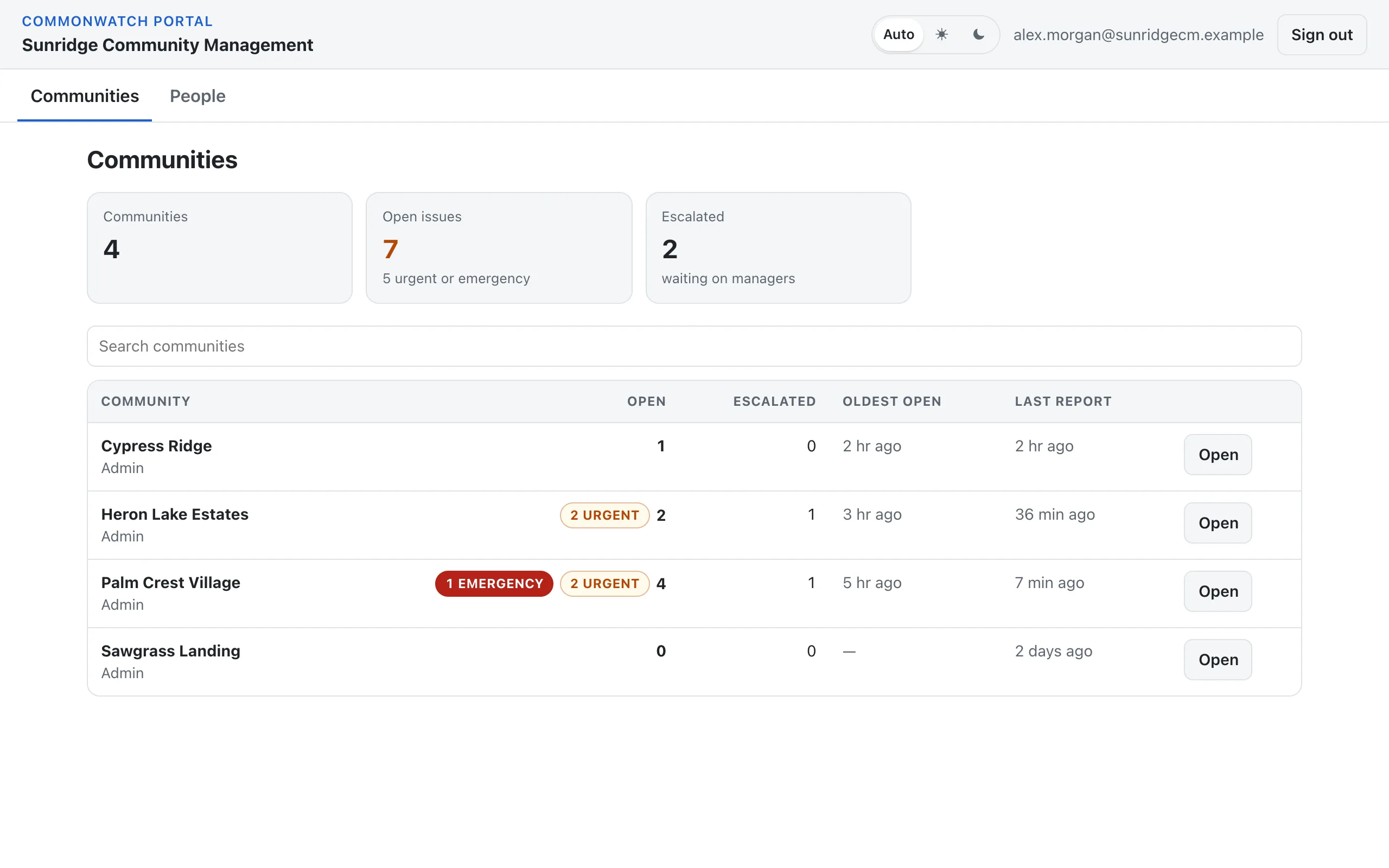
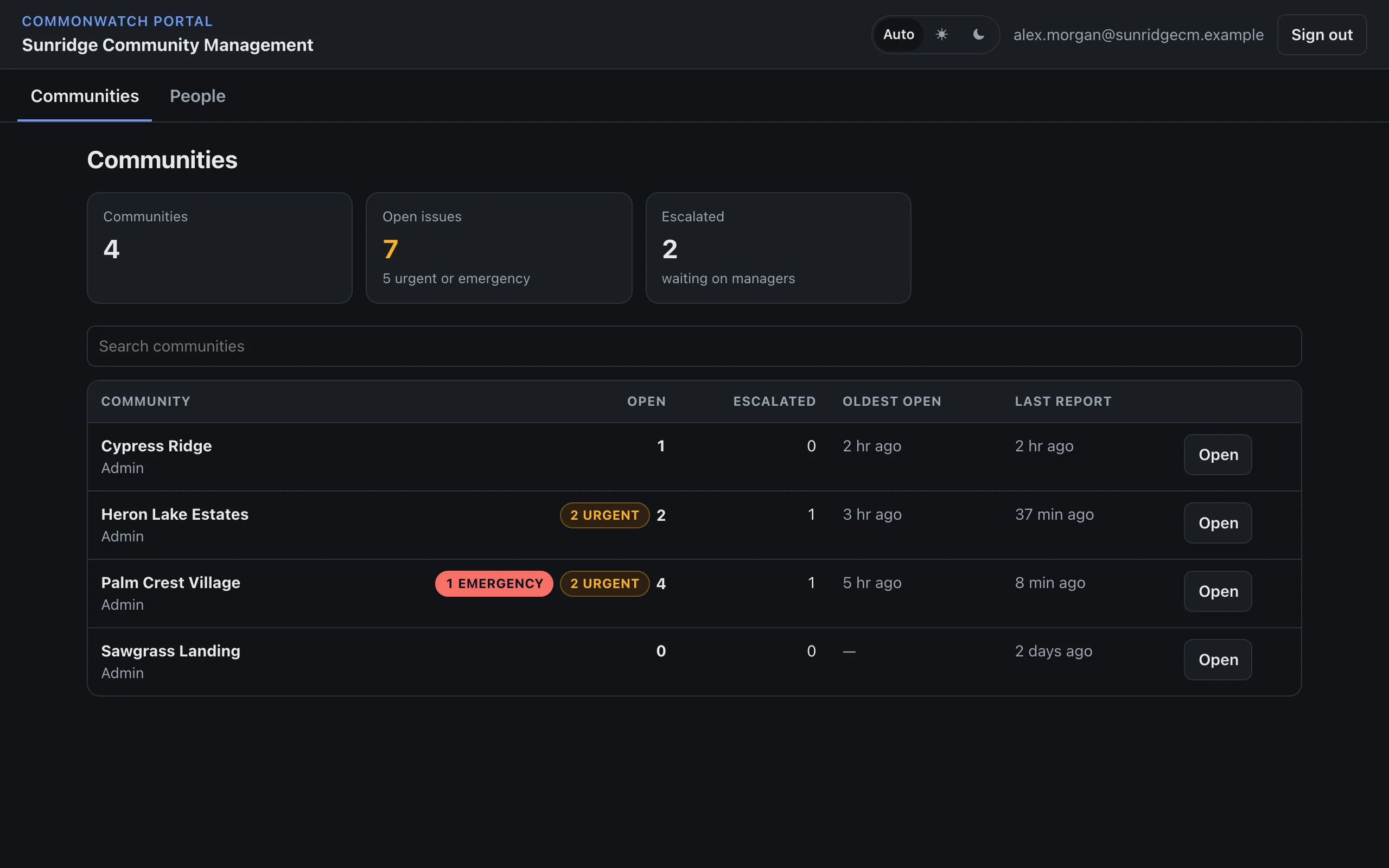
Managing several communities?
- The portal shows every community you manage on one page, with what needs attention first.
- Open any community's dashboard in one click, without a separate sign-in for each.
- Decide who on your team sees which communities, as admin, member or view only.
- New communities you take on are added for your portal admins automatically.
Want this for your community?
We'll walk you through it using your own amenities.
Get in touch